In today’s fast-paced digital environment, creating an efficient and scalable Case Management System (CMS) is crucial for organizations looking to enhance customer satisfaction and streamline operational efficiencies. Microsoft Dynamics CRM offers a robust platform that can be tailored to develop a state-of-the-art CMS. This blog post will guide you through the key steps and considerations for leveraging Microsoft Dynamics CRM to build a modern CMS that meets your organizational needs and exceeds customer expectations.
1. Define Your Requirements
Start by outlining your specific case management needs, including case intake, tracking, resolution, and reporting. Understanding your workflow is essential to customize Dynamics CRM effectively.
2. Customize and Configure
Microsoft Dynamics CRM’s flexibility allows for extensive customization. Tailor the system to match your workflow, including custom fields, forms, and entities that reflect your case management process.
3. Automate Processes
Leverage the automation capabilities of Dynamics CRM to streamline case assignments, notifications, and escalations. This reduces manual efforts and speeds up resolution times.
4. Integrate with Other Systems
For a holistic view of customer interactions, integrate Dynamics CRM with other systems like email, social media, and your organization’s ERP system. This ensures that all relevant information is accessible from within the CMS.
5. Utilize Analytics and Reporting
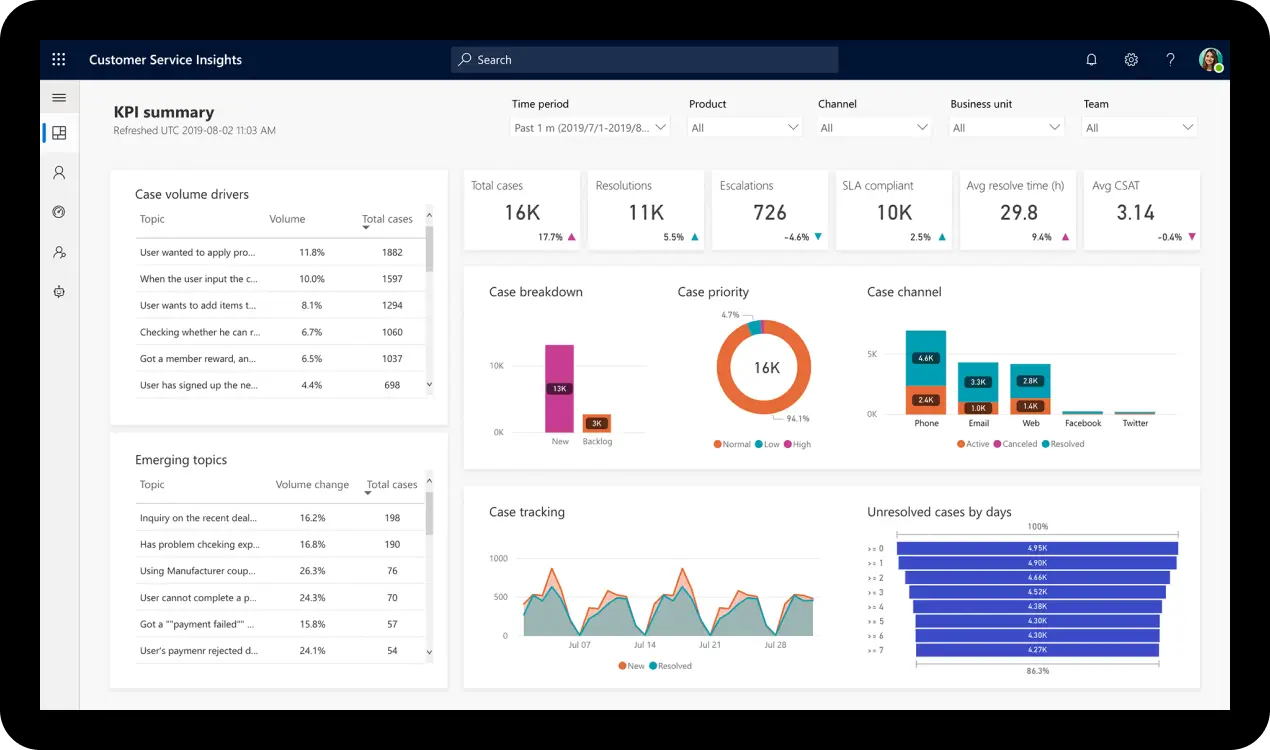
Dynamics CRM comes with powerful analytics and reporting tools. Use them to gain insights into case volume, resolution times, and customer satisfaction, enabling data-driven decisions to improve your CMS.
6. Train Your Team
Ensure your team is well-versed in using the CMS. Dynamics CRM’s user-friendly interface, coupled with proper training, will help your team make the most of the system.
7. Continuously Improve
Finally, regularly review the performance of your CMS. Dynamics CRM’s adaptability allows for ongoing tweaks and enhancements based on feedback and changing needs.
By following these steps, you can leverage Microsoft Dynamics CRM to build a modern CMS that not only improves operational efficiency but also provides exceptional customer service. Remember, the key to a successful CMS is not just in the technology, but in how it is implemented and used within your organization.
Zion Cloud Solutions can play a pivotal role in helping organizations evaluate their current business processes around case management and in building a robust CRM platform. Leveraging our extensive expertise in delivering solutions for Government agencies and Commercial enterprises, we are well-equipped to guide your organization through the intricacies of Microsoft Dynamics CRM, ensuring a tailored, efficient, and scalable case management system that meets your unique needs.